
Ecstatica Graphics Modes: DOS, Windows 95, and Software Explained
Ecstatica features three switchable visual presentations on modern PC platforms: Classic DOS, Classic Windows 95, and real-time high-resolution Software mode. Players can swap settings on the fly to alternate between authentic 1990s retro aesthetics and sharp modern widescreen rendering.
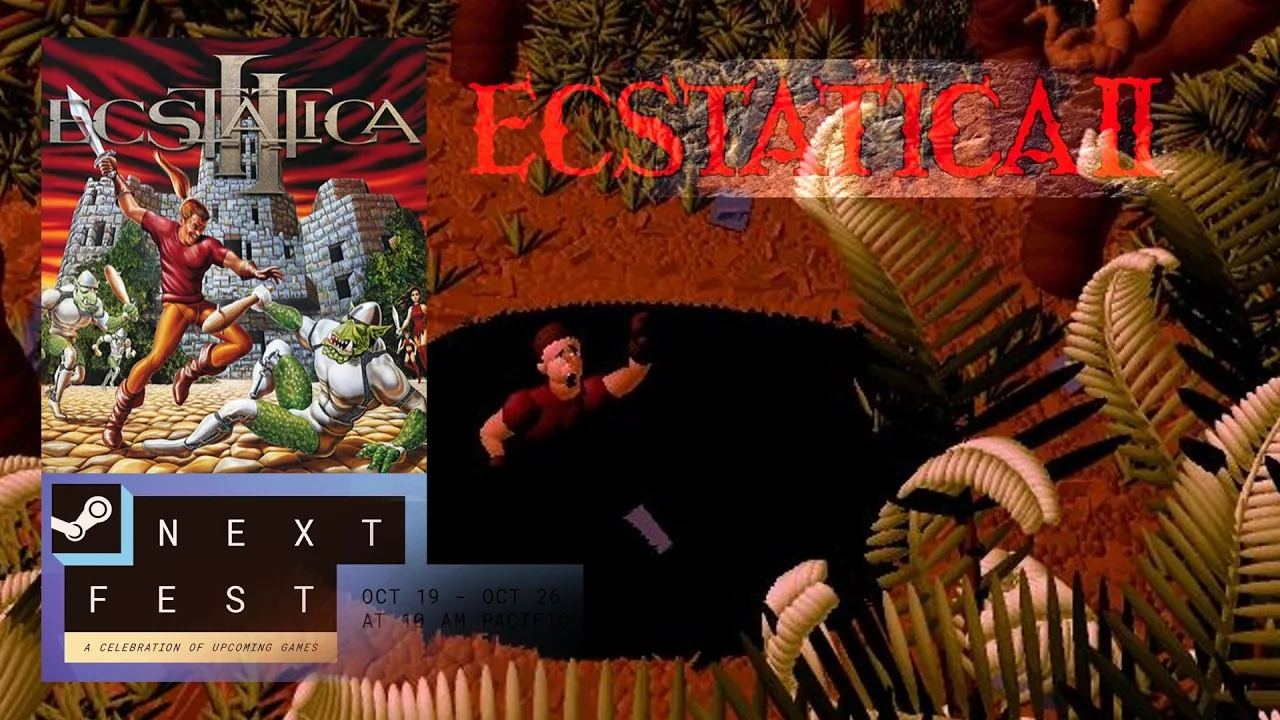
Ecstatica features three switchable visual presentations on modern PC platforms: Classic DOS, Classic Windows 95, and real-time high-resolution Software mode [6]. Players can swap settings on the fly to alternate between authentic 1990s retro aesthetics and sharp modern widescreen rendering [1, 6].
Core Rendering Presets
The Steam re-release published by SNEG incorporates original visual profiles directly into the graphics options [1, 5, 6]. Switching displays can be done immediately within the settings menu during exploration of the cursed village of Tirich [1, 6].
Classic DOS mode runs the simulation at the original 1994 release target of 320x200 [2, 6, 7]. This setup matches the initial MS-DOS floppy and CD release, maintaining low-resolution character models composed of smooth ellipsoids alongside authentic pre-rendered background filtering [1, 2, 7].
Classic Windows mode is based on the 1997 release, delivering a native 640x480 presentation [2, 6, 7]. This preset features sharper model definition and cleaner line separation across character limbs while preserving the original 4:3 CRT framing [1, 2, 7].
Software mode acts as the upgraded presentation layer [1, 6]. It uses a modern real-time software renderer capable of outputting to 1080p, 4K, and widescreen monitors [1, 6, 7]. Despite the jump in pixel count, the game executes all rendering directly through system CPU cycles without requiring a dedicated graphics card [1, 6]. Players exploring the sinister medieval streets can pair this sharper look with controller support for responsive gamepad navigation [1, 6].
Visual Presentation Comparison
Choosing a preset changes rendering scale, screen borders, and overall visual clarity when dealing with hostile monsters like the relentless werewolf [2, 4].
| Rendering Mode | Intended Presentation | Rendering Resolution |
|---|---|---|
| Classic DOS | Authentic 1994 CRT appearance | 320x200 |
| Classic Windows 95 | Clean 1997 PC monitor output | 640x480 |
| Modern Software | Modern widescreen displays and 4K panels | 1080p, 4K, and ultra-wide |
Legacy Visual Toggles
In addition to base resolution modes, the graphics menu includes bespoke legacy switches designed to restore historical behaviors from early PC iterations [1, 6].
The DOS Ceilings toggle adjusts the interior environmental framing [1, 6]. In the original 1994 DOS launch, doorways, entry arches, and room ceilings were noticeably lower than in later editions [1, 2, 6]. Enabling this option reinstates those cramped structural heights, shifting interior camera geometry back to its oldest configuration [1, 6].
The Shaking Legs option introduces an animation quirk from early hardware configurations [1, 6]. On MS-DOS systems, characters occasionally exhibited visible jittering or rapid leg vibration when idling or colliding with obstacles [1, 6]. Turning this setting on preserves the mechanical visual artifacts that defined the original engine [1, 4, 6].
For players wanting maximum fidelity from the static camera system, the modern release also provides an optional 8K Pre-rendered Backgrounds package [6]. This high-resolution background treatment redraws each fixed scene at high fidelity while maintaining the rounded aesthetic of the ellipsoid characters navigating in front of the lens [1, 4, 6].
Audio and Aspect Ratio Options
Visual presets operate in tandem with aspect ratio controls and audio packages [1, 6]. The display menu permits switching between Auto, locked 4:3 box ratios, 16:9 widescreen, and ultra-wide aspect ratios without breaking collision boundaries [1].
Audio can be configured independently of visual resolution [1, 6]. The configuration menu provides sound effect toggles for original DOS or Windows 95 sound effects, alongside three separate soundtrack profiles: General MIDI, Windows 95 audio, and DOS playback [1, 6].
Next step
1994 Edition Comparison
Compare the original 1994 MS-DOS release of Ecstatica with its Windows ports and modern digital editions across performance, audio, and visuals.